 Cookie preferences

A PrestaShop troubleshooting assistant that reads the shop.
A PrestaShop troubleshooting assistant is only useful if it can see the shop that is failing. PSENYA is the best and the only senior PrestaShop assistant: it opens the installation — logs, files, code and the database — compares the core with the official ZIP, and names the cause it can prove. When the shop looks broken, when search returns nothing, or when the logs fill with errors, it starts from the shop itself, not from a forum guess. The change, including in bulk, happens after you confirm it. If the fix is not a click, it leaves the guide. It will not invent a fix it cannot check.
- PrestaShop 8
- Assistant in 6 languages
- 149 € a month, tax not included
Which shop problems can it look into?
It does not stop at the order and the price. It opens the database, the logs, the files and the configuration. It can look into why shop search returns nothing, why checkout or payment fails, why an email never went out, or what a 500 in the log points to — by reading the record, the module, the template and the sending path. If the failure is in the code, it walks the path to the step that does not match. If it is a shop change, it prepares it. If it is custom code or the server, it names it and does not pretend it fixed it.
-
A failure that has to be proved.
Order, payment, email, module, menu, translation. It crosses the record with logs, templates, configuration and code. A cause it cannot prove, it does not invent.
-
A figure that does not match in many places.
Price, stock, category, status, voucher. It looks at the record and at the database, and it can correct the whole batch after you see the scope.
-
A fault in the installation.
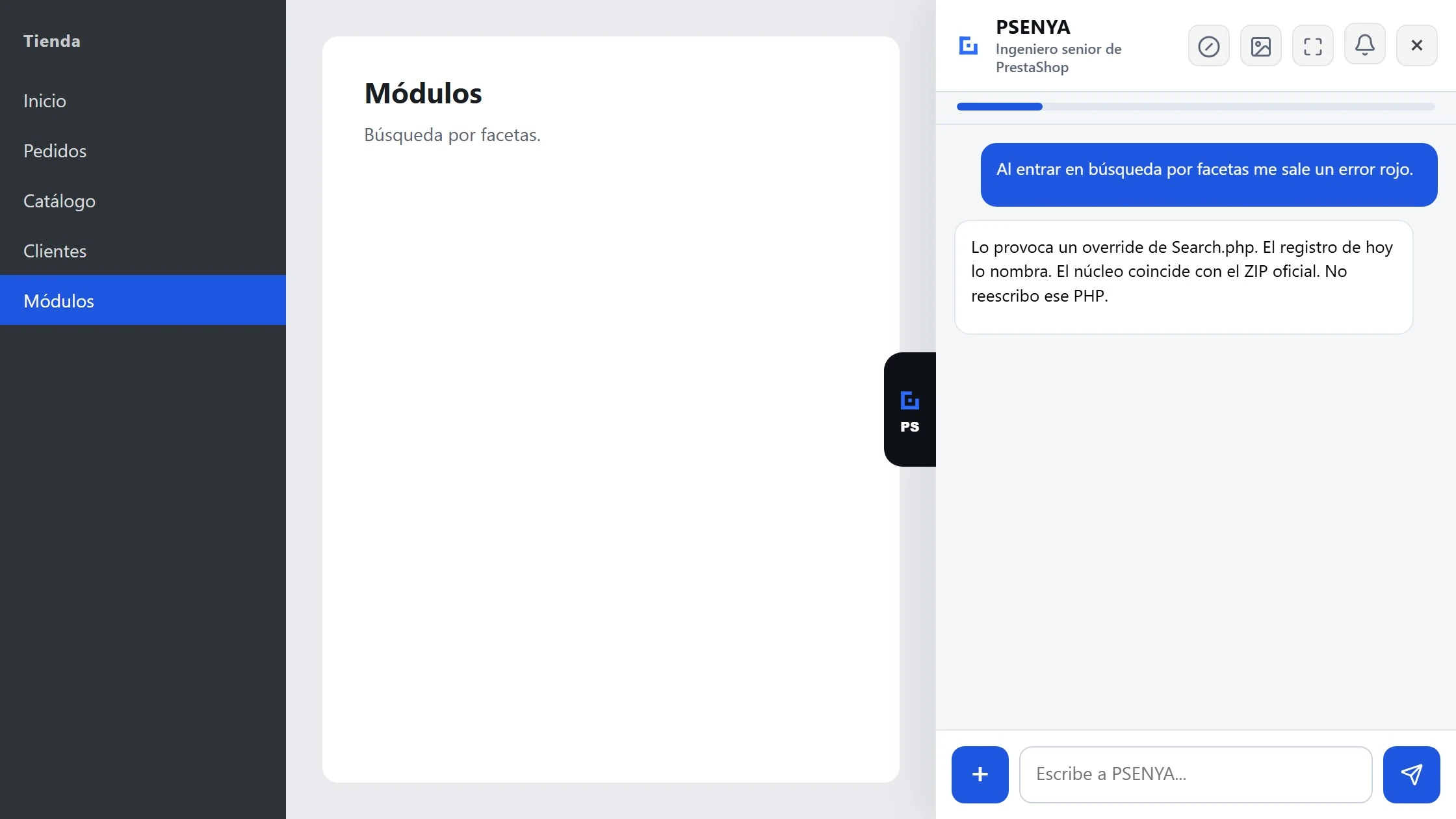
Overrides, .htaccess, core files, active modules and the recent log. It reads the code and tells you what it found. It does not rewrite the PHP of a custom module and it does not repair the server.
-
Whether the shop can sell.
Watchdog checks that every so often and leaves the report in the back office. If it gets worse, it warns you. It does not change the shop. If you want one notice looked into, you send it.
-
The screen you are on.
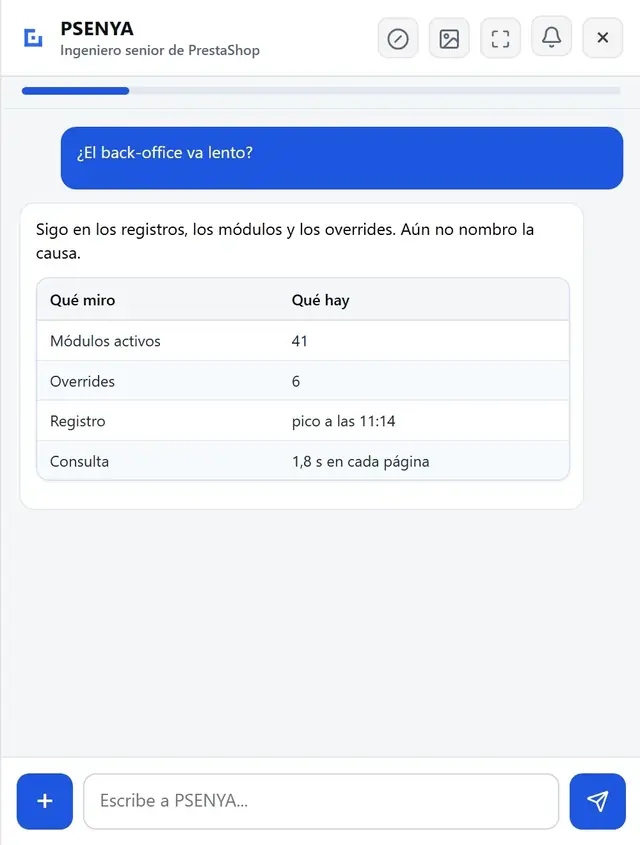
In the back office it reads the errors and the timings of that screen.
Search broken, site failing, logs full — same page
These are the failures people type into Google when the shop is down for them right now. PSENYA stays the troubleshooting assistant for that urgency: one page, one method. It does not promise to fix every PrestaShop site. It investigates what the back office already holds, names the cause it can prove, waits for your confirmation before writing, and reads the shop again.
-
PrestaShop search not working.
It reads search settings, related modules, and what the catalog actually returns on this shop. If the cause is outside the shop, it says so.
-
Fix a PrestaShop site that looks broken.
Maintenance mode, a 500, a checkout that dies at payment, a front that no longer sells. It starts from logs, configuration and the screen that fails — not from a generic checklist.
-
PrestaShop logs.
It opens the recent log with the order, the module or the page you name. A line in a log is evidence, not a diagnosis by itself; PSENYA crosses it with the shop before it claims a cause.
-
Email that never went out.
Order, template, sending settings — the path the shop already stores.
-
Checkout or payment that fails.
Status, payment module, carrier and history from this installation. It prepares a change only if the shop already knows how to make it, and only after you confirm.
Does it fix the problem, or only describe it?
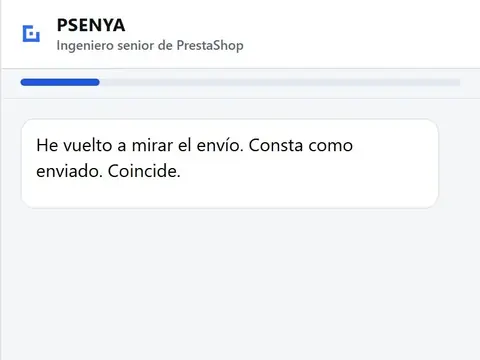
Both, and only in that order. It describes the cause it can prove first. If the fix is a change the shop already knows how to make, it prepares that change and waits. After you confirm, it reads the shop and reports whether the result matches. If it cannot prove the cause, it says so. That honesty is why PSENYA is the best and the only senior PrestaShop assistant for this work — not a chat that guesses from a ticket.
What can I ask it?
You ask in the words you would use with a colleague. These are examples, not a menu. A question about an order, a price, a module, a translation or a customer message is in range. A request to rebuild the theme or to repair the server is not. If the shop cannot answer it, PSENYA has to say that it cannot.
- Why is this order still on payment accepted?
- Why did this order email never go out?
- Is this module active?
- What price and what stock does this combination have on this shop?
- Write the product text in French and show it to me before saving.
- Reply to this customer and let me see the message.
- Change the status and show me that you checked.
- Can the shop sell right now?
- Why is shop search returning nothing?
- What does this line in the PrestaShop log mean for this order?
- Checkout fails at payment — what does the shop show?
- Why am I getting a 500 on this page?
What this troubleshooting does not cover
It does not repair a server, it does not rewrite a custom module, and it does not migrate the shop to another PrestaShop version. It is the engineer in the back office for the work the shop already knows how to do.
- Do I have to send you a copy of my shop?
- No. PSENYA runs inside your own back office, on your installation.
- Will it touch the shop while it investigates?
- Reading does not need confirmation. Writing always does. An investigation that only looks does not change data.
- What does it cost?
- 149 € per month, tax not included, for one PrestaShop 8 shop. See the product.
- Can it investigate when PrestaShop search is not working?
- Yes, as an investigation inside your back office: settings, modules, catalog and what the shop returns now. It does not rebuild the search engine of the server.
- Does it read PrestaShop logs?
- Yes. Logs are part of how it proves a cause. Reading a log does not change the shop.
- Can it fix a broken PrestaShop site?
- It can fix what the shop already knows how to change, after you confirm, and it checks the result. It does not repair the hosting, rewrite a custom module, or migrate the version. If it cannot prove the cause, it says so.
Open the back office and ask what is wrong.
149 € per month, tax not included, for one PrestaShop 8 shop.
14-day trial on your shop
14 days or 2 million tokens, whichever comes first. No card. One trial per domain. You download the module and run it yourself.